
Aadhaar Card Link Alert: Miss This Step and Your Orunodoi 3.0 Payment Can Stop Immediately
By Admin Orunodoi.co.in 19 Dec 2025 9:00 AM
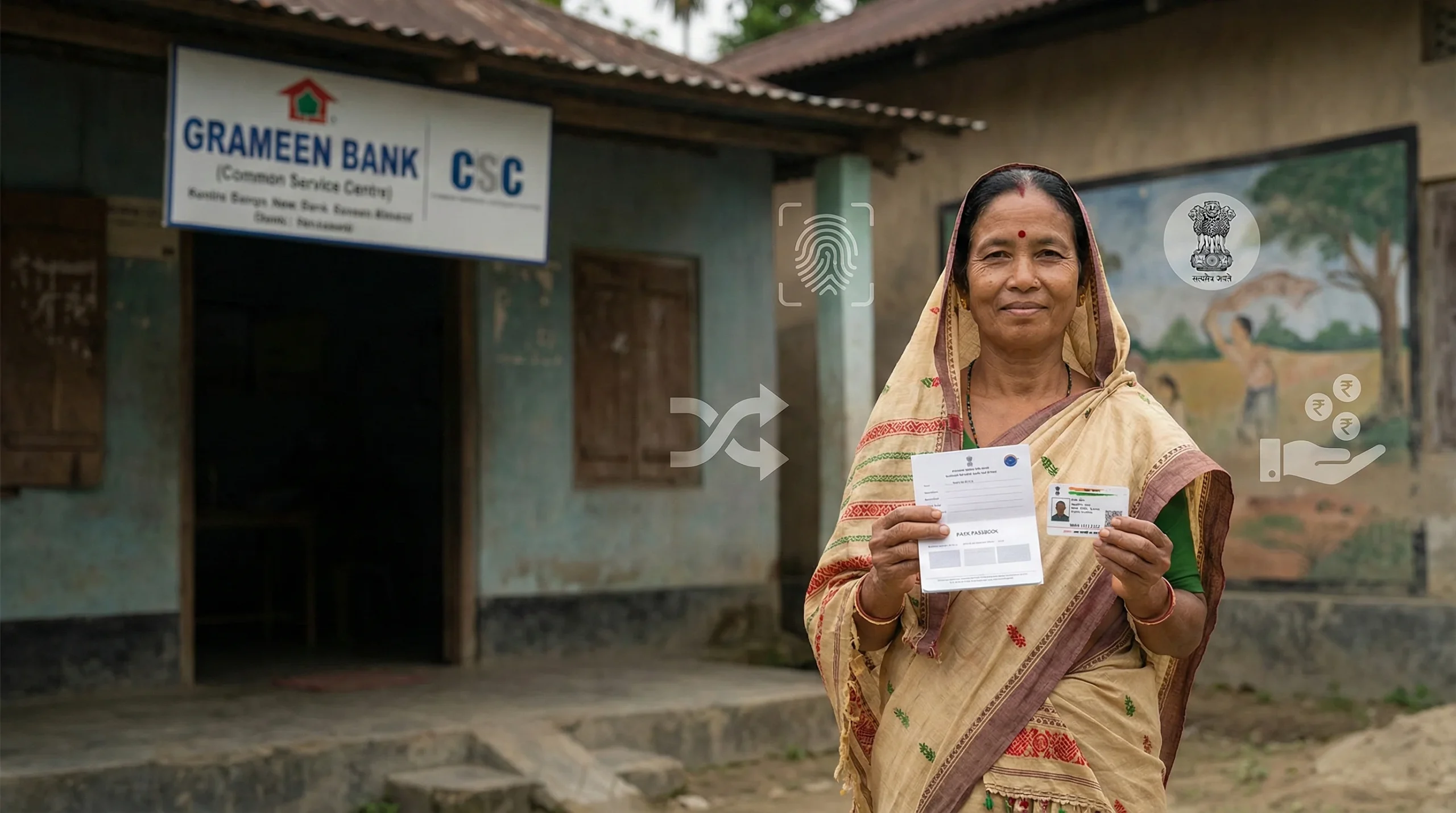
(Ai generated representational image)
The third phase of the Assam Orunodoi scheme — Orunodoi 3.0 — was rolled out with a major expansion in beneficiary coverage and monthly support of ₹1,250 directly into the bank accounts of eligible women across the state. Orunodoi+1
One of the most important official requirements for receiving your monthly benefit is having your aadhar card link correctly with your bank account and government records. If your Aadhaar is not linked, or if the linkage is incorrect, the Orunodoi payment may not be credited to your account. This article explains exactly how Aadhaar verification affects your benefits and what steps you can take to correct the issue.
Why Aadhaar Linking Matters for Orunodoi 3.0
The Orunodoi 3.0 scheme uses Direct Benefit Transfer (DBT) to send money straight into the beneficiary’s bank account. For the DBT system to work, your aadhar card must be linked with your bank account and recorded in the official Orunodoi / NFSA (National Food Security Act) database. Orunodoi
If your Aadhaar card is not linked, the system can’t verify your identity or your bank details, and payments may be stopped or rejected by banks and government servers.
Official Orunodoi 3.0 Beneficiary List and Aadhaar
Orunodoi 3.0 beneficiaries are selected based on eligibility conditions that include being a permanent Assam resident, having a valid ration card, and having an Aadhaar-linked bank account. सरकारी योजना
You can check your name in the official list on the Assam Government portal:
🔗 Official Assam Orunodoi Scheme page: https://assam.gov.in/scheme-page/154 Google Translate
How to Check If Your Aadhaar Card Is Linked Correctly
1. Check with Your Bank
Visit the bank branch where your account is held. Ask the bank staff to verify that your Aadhaar number is seeded with your bank account and that it shows as verified in their records.
2. Use NPCI Aadhaar Seeding Check
The National Payments Corporation of India (NPCI) maintains the Aadhaar seeding database. Visit the NPCI portal or ask your bank to confirm if Aadhaar is properly seeded.
3. Check Ration Card Linkage
Since Orunodoi 3.0 eligibility relies on Aadhaar-linked ration cards under NFSA, ensure your Aadhaar is also linked to your ration card. You can check this at the RCMS Assam portal: https://rcms.assam.gov.in/ (Official ration card portal) सरकारी योजना
Also read: Why Didn’t I Receive My December Orunodoi Installment Payment?
What Happens If Aadhaar Is Not Linked
If your Aadhaar card is not linked or there’s a mismatch in the details:
- Your Orunodoi 3.0 payment may be delayed.
- The DBT transfer can fail and the benefits won’t reach your bank account.
- Your name may not appear correctly on the beneficiary list even if you are eligible. सरकारी योजना
Steps to Fix aadhar card link / link aadhar pan Issues
Step 1: Correct Aadhaar Details
If your name, date of birth, or other details are incorrect in Aadhaar, visit your nearest Aadhaar Seva Kendra or bank branch to update the details.
Step 2: Seed Aadhaar with Your Bank Account
Ask your bank to link your Aadhaar number to your bank account.
Documents needed:
- Aadhaar Card
- Bank Passbook or Account Number
- Mobile number registered with Aadhaar
Step 3: Update Ration Card
If your Aadhaar is not linked to your ration card, visit the Food and Civil Supplies Office or use the RCMS portal. Ensure your Aadhaar number is linked and verified.
Step 4: Re-Verify in Orunodoi System
After correcting Aadhaar and bank linkage, revisit the Assam Orunodoi official portal and check your beneficiary status again.
Also Read: Orunodoi 3.0 District List 2025
How to Verify Your Name in the Official Orunodoi 3.0 List
Follow these official steps:
- Go to the Assam Government official portal: https://assam.gov.in/ Orunodoi
- Click on “Assam Orunodoi Scheme.”
- Select “View Beneficiary List” or “Check Status.”
- Enter required details like district, village, and application number.
- Click Submit to view your name and details. Orunodoi
Common Problems With Aadhaar Linking
Mismatch in Name or DOB: If your bank records don’t match what’s in Aadhaar, payments fail.
Mobile Not Linked to Aadhaar: Without a linked mobile number, OTP-based verification won’t work.
Ration Card Not Updated: Since eligibility is tied with NFSA records, account and ration card mismatches cause issues.
FAQs
Q1. Can I get Orunodoi payment without linking Aadhaar?
No. For DBT payments under Orunodoi 3.0, your aadhar card link to your bank account and government databases is mandatory.
Q2. What documents are needed to fix Aadhaar linking?
Aadhaar Card, Bank Passbook/Account details, and ration card details are essential when correcting linkage.
Q3. Is there an online way to link Aadhaar to my bank account?
Some banks allow online Aadhaar seeding through internet banking or mobile apps; otherwise, visit your branch.
Q4. Where can I get help if my payment is not credited?
Contact your bank branch, the nearest Gaon Panchayat, or the Orunodoi helpline on the official Assam Govt portal.
Conclusion
Ensuring your aadhar card link and bank connection is correct is one of the most important steps to receive Orunodoi 3.0 payments every month. It may take a short visit to your bank or ration card office, but it makes the DBT smooth and reliable. Checking your status regularly on the official portal helps avoid delays and keeps you in control of your benefit.