
URGENT: Orunodoi December Payment Missing? Recover Your ₹1,250 Installment Now – Step-by-Step Solutions
By Admin Orunodoi.co.in 16 Dec 2025 11:41 AM
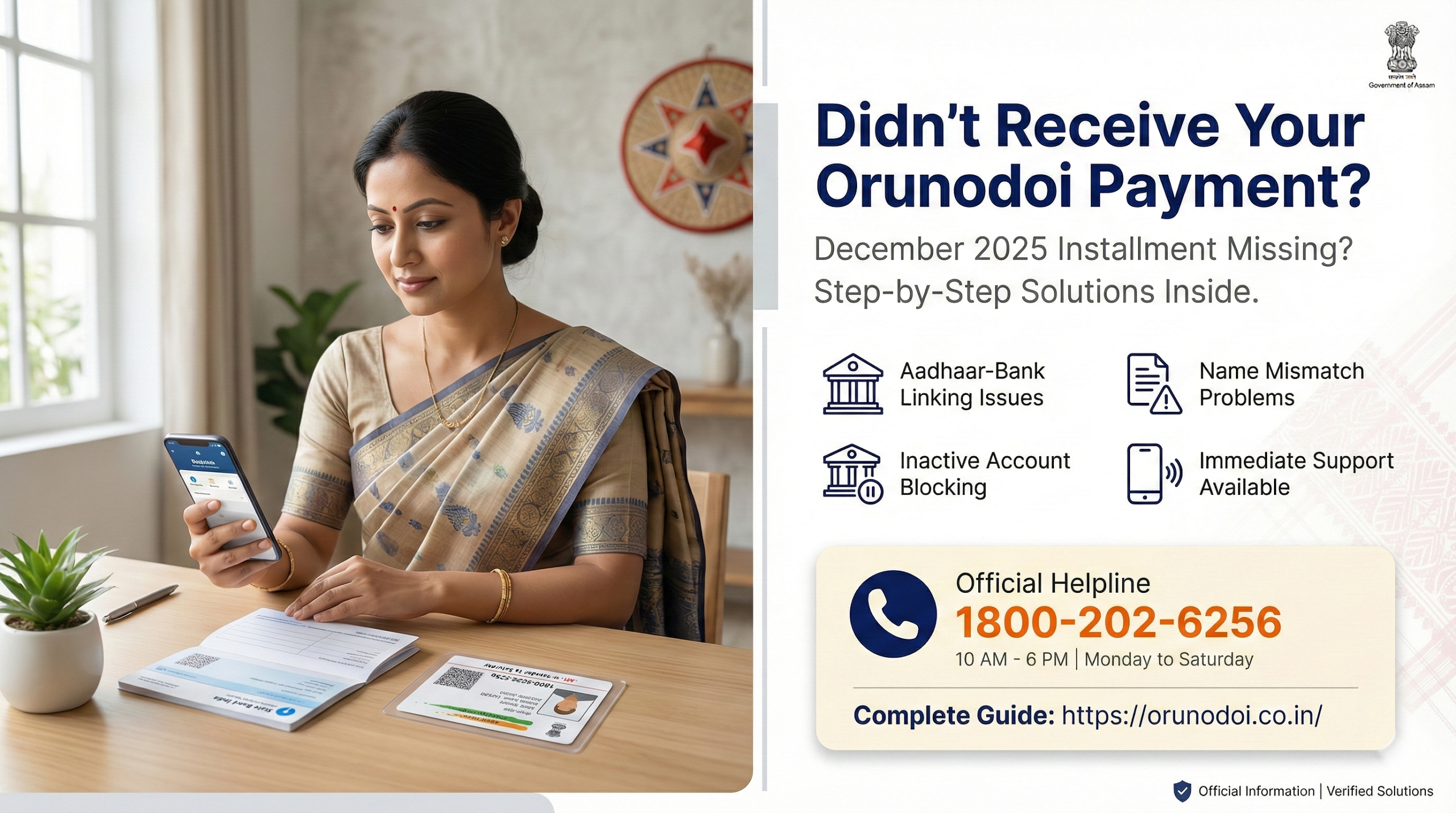
Ai generated representational image of Orunodoi 3.0 Assam Scheme
Are you anxious about your missing Orunodoi Installment payment? Don’t worry—you’re not alone, and there are clear solutions. The third installment under Orunodoi 3.0 was scheduled for December 10, 2025, at 11:00 AM, and if you haven’t received your ₹1,250 yet, this guide will help you identify the problem and fix it quickly.
Understanding Your Orunodoi Installment Payment
Before we dive into troubleshooting, here’s what you should know about Orunodoi 3.0 payments:
- Monthly Benefit: ₹1,250 per month (October–December 2025)
- Future Benefit: ₹1,500 per month from January 2026 (including ₹250 LPG subsidy)
- Payment Method: Direct Bank Transfer (DBT) to your Aadhaar-linked bank account
- Typical Payment Window: Between the 5th and 10th of each month
CHECK WHETHER YOU ARE ELIGIBLE FOR ORUNODOI 3.0
Common Reasons for Payment Failure (And How to Fix Them)
Problem 1: Aadhaar Not Linked to Bank Account
This is the most common issue preventing DBT payments. Research shows that 18% of DBT payment failures occur due to Aadhaar-bank account seeding issues.
How to Check:
- Visit the UIDAI website: https://myaadhaar.uidai.gov.in
- Navigate to “My Aadhaar” → “Aadhaar Services” → “Bank Seeding Status“
- Enter your Aadhaar number and OTP sent to your registered mobile
- Check if your bank account appears as “Enabled for DBT“
Solution:
- Visit your bank branch immediately with your Aadhaar card and bank passbook
- Fill out the Aadhaar-Bank linking form
- The bank will seed your account with the NPCI mapper within 3-5 working days
- After linking, future payments will be automatically credited
Problem 2: Name Mismatch Between Aadhaar and Bank Records
If your name spelling differs between your Aadhaar card and bank account (even by one letter), the payment system will reject the transfer.
Examples of Mismatches:
- Aadhaar: “Sita Devi” but Bank: “Sita Begum”
- Aadhaar: “P. Kumar” but Bank: “Pankaj Kumar”
- Spelling differences like “Mohammad” vs “Mohammed”
Solution:
- Option A – Update Bank Records (Faster):
- Visit your bank branch with your Aadhaar card
- Request a name correction to match your Aadhaar exactly
- This typically takes 3-7 days
- Option B – Update Aadhaar:
- Visit the nearest Aadhaar Seva Kendra
- Carry supporting documents (ration card, voter ID)
- Pay the ₹50 update fee
- Processing takes 15-30 days
Problem 3: Inactive or Dormant Bank Account
If your bank account hasn’t been used for several months, it may become inactive, blocking DBT payments.
How to Check:
- Try withdrawing money from an ATM or branch
- Check your passbook for recent transactions
- Log into net banking if available
Solution:
- Visit your bank branch with your passbook and Aadhaar card
- Make a small deposit (even ₹100) to reactivate the account
- Ask the bank to confirm the account is “active” and “DBT-enabled“
- Request written confirmation that your account can receive government payments
Problem 4: Multiple Bank Accounts Linked to Same Aadhaar
If you have multiple bank accounts linked to your Aadhaar, the system may send payments to the wrong account (perhaps one you no longer use).
Solution:
- Check which account is set as primary for DBT:
- Visit UIDAI website → Check “Bank Seeding Status“
- Note which account appears
- If it’s the wrong account:
- Visit your preferred bank branch
- Ask them to update your account as the primary DBT account in the NPCI mapper
- Provide written confirmation that you want this account for Orunodoi payments
- Optionally, de-link unused accounts:
- Visit the bank where you no longer need the link
- Request Aadhaar de-linking from that account
Problem 5: Correction Pending at State Level
For about 18.5% of failed payments, the issue shows as “correction pending at state,” meaning beneficiary details await government approval.
Possible Reasons:
- Recent change in bank account details
- Ration card details not matching Orunodoi records
- Pending verification from local authorities
Solution:
- Contact your Gaon Panchayat office or Circle Office
- Ask them to check the status of your correction request
- If needed, resubmit required documents
- Get written acknowledgment of submission
Problem 6: Not on the Beneficiary List
Unlike previous versions, Orunodoi 3.0 doesn’t publish a PDF beneficiary list. Instead, selected beneficiaries receive an official letter from the Chief Minister, delivered by Panchayat representatives or DC office officials.
How to Verify:
- Check if you received the CM’s letter
- Visit orunodoi.assam.gov.in and check beneficiary status online
- Enter your application number, district, or mobile number
If Not Listed:
- Verify you meet eligibility criteria (permanent resident, annual income ≤ ₹2 lakh)
- Visit your Gaon Panchayat or BDO office to inquire
- If eligible but excluded, file a grievance (see below)
Immediate Action Steps
Step 1: First, verify your payment status:
- Check your bank account statement (online/passbook)
- Look for any credit from “PFMS” or “DBT“
- Sometimes payments show delayed descriptions
Step 2: Check your Aadhaar-bank linkage status (as explained above)
Step 3: Contact the Official Orunodoi Helpdesk
The Government of Assam launched a dedicated toll-free helpline for Orunodoi 3.0 on October 13, 2025:
📞 Toll-Free Helpline: 1800-202-6256
- Operating Hours: 10:00 AM to 6:00 PM (All working days)
- Have your beneficiary number, Aadhaar number, and bank details ready when calling
Step 4: File an Online Grievance
- Visit the official Orunodoi portal
- Look for “Submit Grievance” or “Raise a Complaint” option
- Fill in required details:
- Your name, beneficiary ID
- Nature of complaint (payment not received)
- Bank account details
- Contact number
- Save the grievance registration number for follow-up
Alternative Email Contact: orunodoidbt@gmail.com
Visit Local Offices
If online/phone solutions don’t work within 3-5 days, visit in person:
Where to Go:
- Your local Circle Office or Block Development Office (BDO)
- District Women & Child Development Office
- Gaon Panchayat office (for rural areas)
- Urban Local Body office (for urban areas)
Documents to Carry:
- CM’s letter (if you received one)
- Aadhaar card (original + photocopy)
- Bank passbook showing account details
- Ration card
- Mobile number registered with Orunodoi
- Any previous payment receipts/acknowledgments
How to Prevent Future Payment Issues
Once you resolve your current issue, follow these steps to ensure smooth future payments:
Monthly Checks:
- Ensure your bank account remains active (make at least one transaction every 3 months)
- Keep your registered mobile number active and updated
- Check your account balance around the 10th of each month
Annual Updates:
- Verify Aadhaar-bank linkage status every 6 months
- Update any changes in bank account or address immediately
- Keep your ration card active and updated
Quick Verification:
- You can check DBT payment status anytime on the PFMS portal: https://pfms.nic.in
- Select “Payment Status” → Enter bank details → View transaction history
Still Stuck? Here’s What to Do
If your problem persists after trying all the above:
- Escalate to Higher Authorities:
- Write to: Department of Finance, Government of Assam
- Email: samirksinha@gov.in
- Phone: 0361-2237054
- Document Everything:
- Take photos of all acknowledgment slips
- Keep copies of every form submitted
- Note down names of officials you speak with
- Record dates and times of your visits
- Seek Community Help:
- Contact local women’s self-help groups
- Reach out to your MLA’s office for intervention
- Connect with NGOs working on welfare schemes in your area
Still not found solution, CHECK FAQs
Understanding Your Rights
As an Orunodoi beneficiary, remember:
- You have the right to timely payment without any deductions
- You have the right to know the reason for payment delays
- You have the right to file grievances and receive responses
- No one can demand bribes or commissions for processing your payment
- Your payment is a government entitlement, not charity
Important Reminders
⚠️ Beware of Scams:
- Never share your Aadhaar OTP with anyone
- Don’t pay money to anyone claiming to “process” your payment
- Only use official government websites and numbers
- Be cautious of fake SMS or calls asking for bank details
Pro Tip: Save the helpline number (1800-202-6256) in your phone right now, so you can quickly reach out if payment issues arise.
Conclusion
Missing your Orunodoi payment is stressful, but most issues can be resolved within 7-10 days if you take prompt action. Nearly 30 lakh families currently benefit from Orunodoi 3.0, and the state government has systems in place to help you.
Key Takeaway: The most common issue is Aadhaar-bank linkage. Start by checking this first, then work through other possibilities. Don’t hesitate to use the helpline or visit your local office—they’re there to help you.
Remember, your Orunodoi payment is meant to support your family’s essential needs. Take action today, and don’t let technical issues prevent you from receiving the support you deserve.
Need more help? Contact the Orunodoi Helpdesk at 1800-202-6256 (10 AM – 6 PM, working days) or email orunodoidbt@gmail.com. Don’t give up—your payment is just a few steps away!
FAQ 1: Why didn’t I receive my Orunodoi December 2025 payment?
Common reasons include Aadhaar not linked to bank account (18% cases), name mismatch, inactive bank account, multiple accounts, or pending state corrections. Check Aadhaar-bank status at myaadhaar.uidai.gov.in or call 1800-202-6256.
FAQ 2: How do I check Aadhaar bank linking for Orunodoi?
Visit myaadhaar.uidai.gov.in → “Bank Seeding Status.” Enter Aadhaar number and OTP. If “Enabled for DBT” shows, you’re linked. Otherwise, visit your bank with Aadhaar card and passbook. Linking takes 3-5 days.
FAQ 3: How to fix Aadhaar name mismatch for Orunodoi payment?
Two options:
- Update bank records at branch with Aadhaar card (3-7 days), or
- Update Aadhaar at Seva Kendra with ₹50 fee (15-30 days). Minor spelling differences block payments.
FAQ 4: What is Orunodoi helpline number?
Official Orunodoi 3.0 helpline: 1800-202-6256 (10 AM – 6 PM, Monday-Saturday). Email: orunodoidbt@gmail.com. Keep beneficiary number, Aadhaar, bank details ready when calling.
FAQ 5: How long to resolve Orunodoi payment issues?
Most issues resolve in 7-10 days. Aadhaar-bank linking: 3-5 days. Name correction: 3-7 days (bank) or 15-30 days (Aadhaar). Dormant account: immediate. File grievance at orunodoi.assam.gov.in for faster resolution.
FAQ 6: Can inactive bank accounts receive Orunodoi?
No. DBT payments require active accounts. Reactivate by: visiting bank with passbook and Aadhaar, depositing ₹100, requesting “active” and “DBT-enabled” status. Reactivation is immediate.
FAQ 7: Documents needed for Orunodoi payment problems?
Required:
- Aadhaar card (original + copy)
- Bank passbook
- Ration card
- CM’s letter (if received)
- Registered mobile number. Visit Gaon Panchayat, Circle Office, or BDO.
FAQ 8: How to check Orunodoi beneficiary status online?
Visit orunodoi.assam.gov.in → “Check Beneficiary Status.” Enter application number, district, or mobile. Orunodoi 3.0 has no public PDF list. Selected beneficiaries receive CM’s letter via Panchayat.
FAQ 9: Orunodoi 3.0 payment amount and schedule?
₹1,250/month (Oct-Dec 2025), ₹1,500/month from Jan 2026 (includes ₹250 LPG subsidy). Payments: 5th-10th each month via DBT. December installment: Dec 10, 2025, 11 AM. Benefits 30 lakh families.
FAQ 10: Where to file Orunodoi payment complaint?
- File online grievance at orunodoi.assam.gov.in
- Email orunodoidbt@hafizabulbashar5gmail.com
- Visit Circle Office/BDO/DC office
- Escalate to Finance Dept: samirksinha@gov.in or 0361-2237054. Document everything.
FAQ 11: Can I change bank account for Orunodoi?
Yes. Visit Gaon Panchayat/Circle Office with: new passbook, Aadhaar, written request, ration card. Ensure new account is Aadhaar-seeded first. Update takes 15-20 days. Get acknowledgment slip.
FAQ 12: No Chief Minister Orunodoi letter received?
Check status at orunodoi.assam.gov.in first. If listed but no letter:
- Contact Gaon Panchayat/Ward Member
- Visit Circle/DC office
- Verify address details. Letters distributed in phases.
FAQ 13: What does “correction pending at state” mean?
Your details await state verification (18.5% delays). Reasons: recent bank changes, ration card mismatch, pending documents. Action: Contact Gaon Panchayat/Circle Office, resubmit documents, get acknowledgment, follow up weekly.
FAQ 14: Any charges for Orunodoi payments?
No. Zero fees or deductions. Never pay for status checks, payment processing, Aadhaar linking, or complaints. Only legitimate fee: ₹50 for Aadhaar correction at Seva Kendra. Never share OTP/PIN. Report scams to 1800-202-6256.
FAQ 15: Can I apply for Orunodoi 3.0 now?
No new applications. Selection completed Oct 2025 using 2011 SECC data. If eligible (Assam resident, income ≤₹2 lakh, female head) but excluded:
- Visit Gaon Panchayat for appeals,
- File grievance at orunodoi.assam.gov.in
- Wait for future announcements.